Installation
MailFallBack runs as a set of Docker containers managed by Docker Compose. This guide covers the standard deployment.
Running on Kubernetes?
Use the official Helm chart instead — see Kubernetes. It is the supported path for cluster deployments.
Prerequisites
- Docker 24.0 or later
- Docker Compose v2 (included with Docker Desktop, or install the
docker-compose-pluginpackage) - A machine with at least 1 GB of RAM and sufficient disk space for your mail backups
Clone the Repository
Configure Environment
Copy the example environment file and edit it:
At minimum, change these values:
MAILFALLBACK_SECRET_KEY=generate-a-random-string-here
MAILFALLBACK_SESSION_SECRET=generate-another-random-string-here
Generate random strings with:
See the Configuration reference for all available environment variables.
Start the Services
This starts the core services:
| Service | Port | Description |
|---|---|---|
mailfallback |
8000 | Web UI and API |
db |
- | PostgreSQL database |
dovecot |
31143 | IMAP access to backed-up mail |
The database schema is applied automatically on first start.
First Login
Open http://localhost:8000 in your browser.
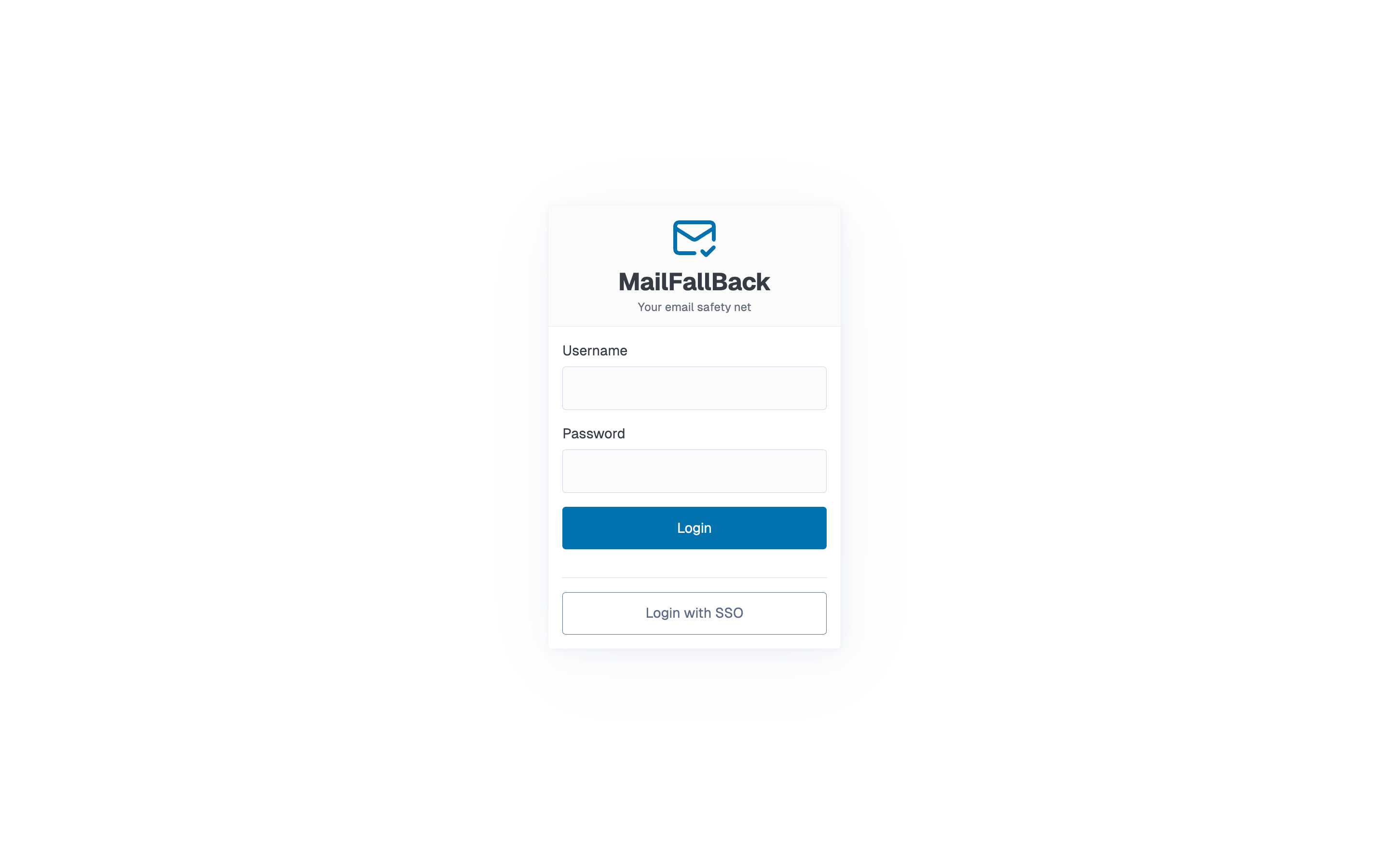
Log in with the default credentials:
- Username:
admin - Password:
changeme1234!
Change the default password
Change the admin password immediately after first login. Go to the Profile page and set a new password.
Optional Services
Webmail (Roundcube)
To enable the browser-based webmail interface:
This starts Roundcube on port 8001. Set the MAILFALLBACK_WEBMAIL_URL variable to show the Webmail link in the MFB navigation bar:
Full-Text Search (Apache Tika)
To enable attachment content indexing (PDF, Word, Excel, etc.):
Enable Tika in your .env:
Restart after enabling Tika
After changing MAILFALLBACK_TIKA_ENABLED, restart the mailfallback service. MFB will regenerate Dovecot configs and trigger a full FTS reindex automatically.
Verify the Installation
Check that all services are healthy:
All services should show healthy or running status.
You can also check the health endpoint:
Updating
To update to the latest version:
Database migrations run automatically on startup.
Never use docker compose down -v
The -v flag deletes all Docker volumes, including your mail data and database. Use docker compose down (without -v) to stop services safely.